



Almost everyone feels it
Nobody says it out loud. “My skin will be all anyone sees.”
Retouching is the process of removing visual distractions caused by lighting, cameras, or environment—without changing how you actually look.
From Jeff
I know that feeling personally.
As a teenager, I dealt with severe acne and was constantly aware of how my skin looked in photos.
It’s one of the reasons I care so deeply about how our La Crosse seniors are photographed — and how images are finished.
Our approach
Refinement, not rescue.
Retouching standards vary widely in photography. Some studios avoid it entirely, while others offer it only as a per-image upgrade. We chose a different approach. Every image you purchase includes natural, refined retouching — so expectations are clear from the start and there are no surprises later.
We believe confidence comes from clarity.
Alisha checks in about anything someone feels self-conscious of before the camera ever comes up; Jeff directs the light and finishes every image.
How we use AI
The tools changed. The standard didn’t.
Aftershoot
Finding the best frames
A session produces a few thousand frames. Aftershoot reads focus, expression and eyes across all of them in minutes, so we spend our time choosing between the good ones instead of hunting for them. We still pick every image you see.
Photoshop
Removing what doesn’t belong
A light stand at the edge of the frame. A road sign behind your shoulder. A car in the background that wasn’t part of the picture. Photoshop’s generative tools take them out cleanly, and we check every edge by hand.
Evoto
Skin and hair
Blemishes that weren’t there last week, flyaway hairs, a shine on the forehead. Evoto handles these at the level of a good retoucher, and only these. Your freckles, your smile lines and the way your face actually moves stay.
Lightroom
Light and color, exactly where you want it
Select the face, the sky or the background in one click and adjust its brightness, warmth or color on its own. That is how a face stays bright in a dark room and a sunset stays a sunset.
What retouching fixes
Distractions go. Your face stays.
Acne or blemishes
Flyaway or loose hairs
Softening harsh shadows
Gentle teeth whitening
Color imbalances
Shiny areas caused by lighting
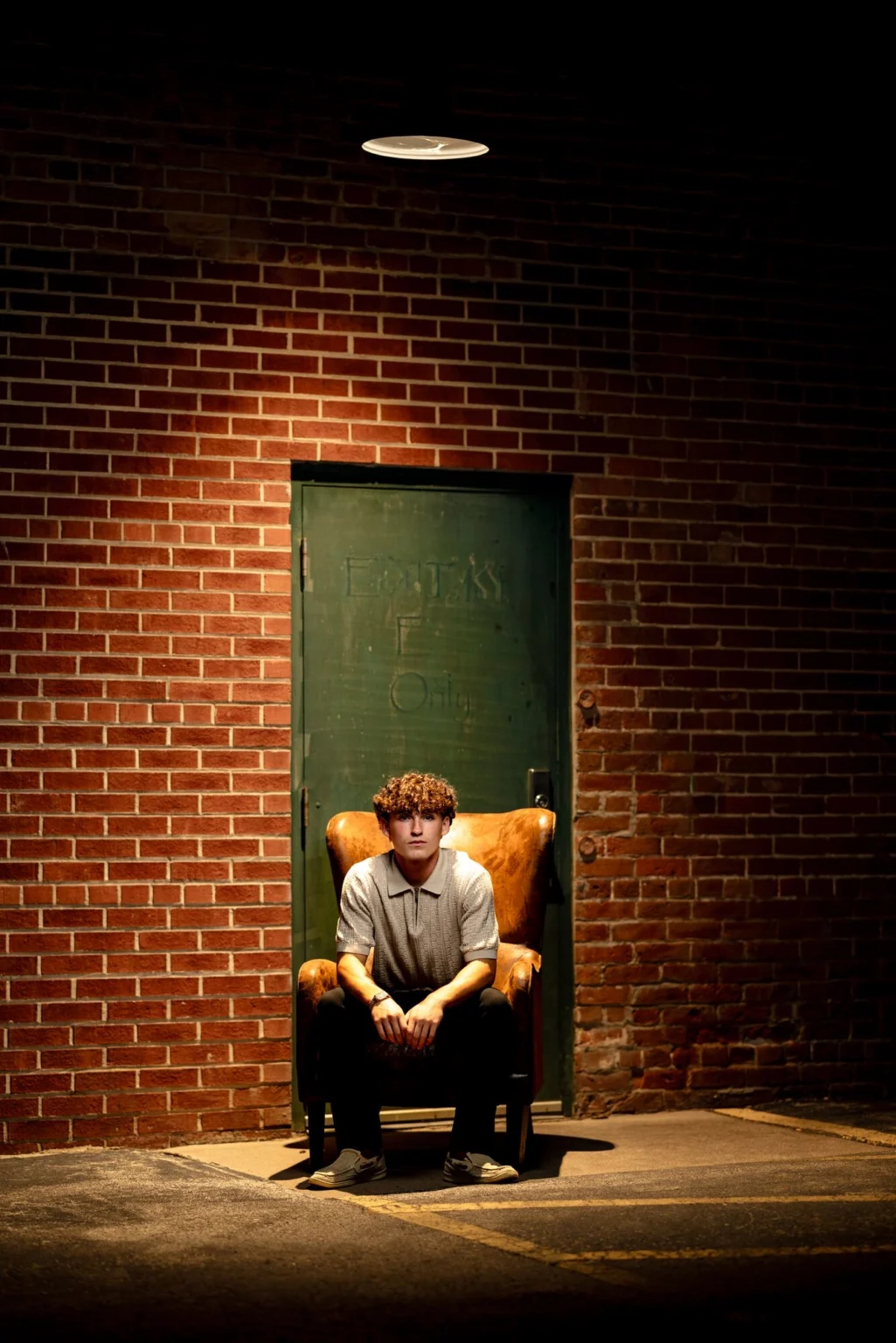
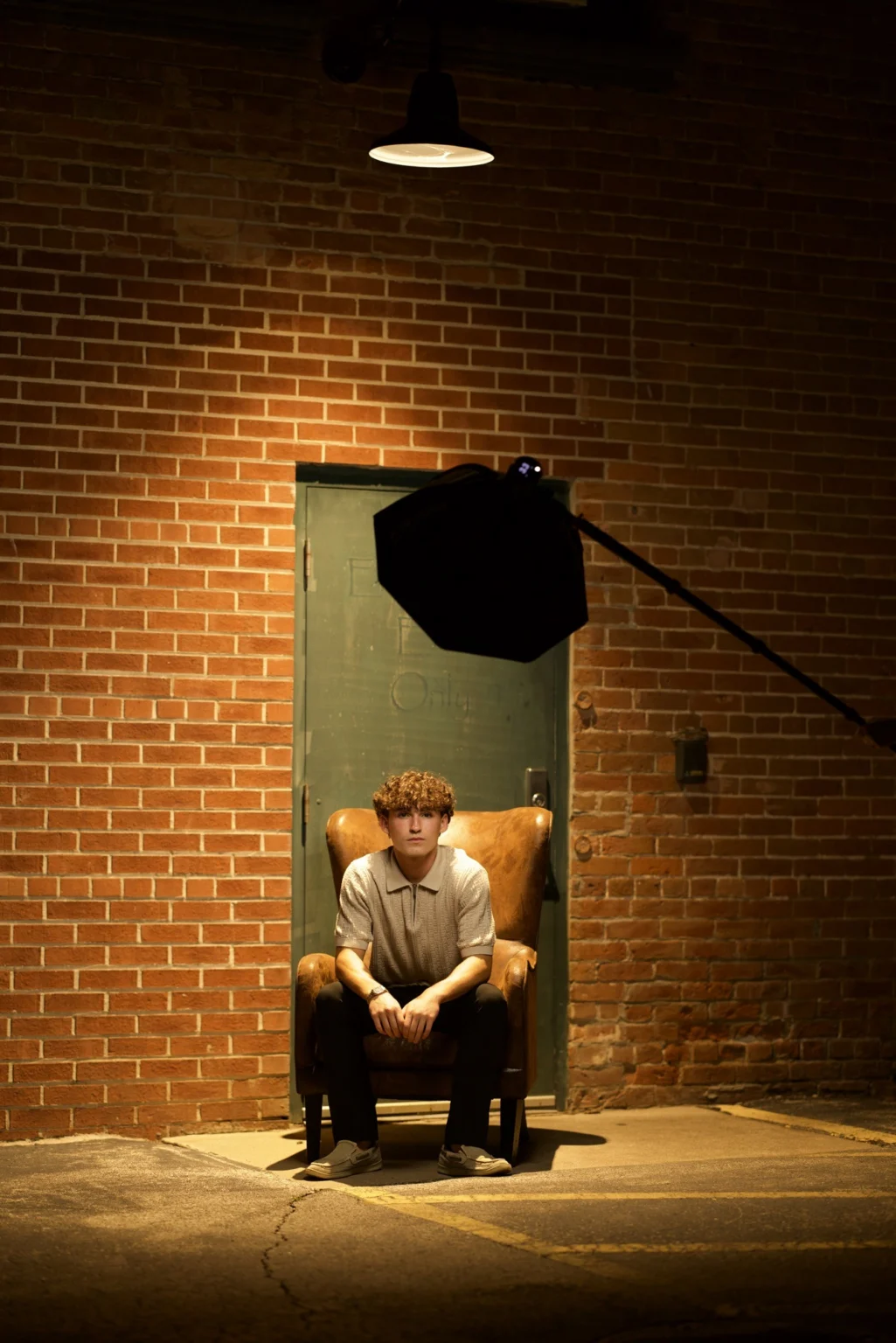
Straight out of the camera
What the camera saw. What you take home.
Night alley, an armchair, one softbox on a boom.
Before the computer
Before retouching moved to a computer, we had makeup: retouching for real life.
Photogenic techniques. Some makeup reads on camera and some doesn’t.
Long-lasting under lights. A session runs long. Makeup has to hold up through it.
One less thing to think about. Handing it off removes a decision on the day.
Questions
Asked quietly.
Does retouching make photos look fake?
It shouldn’t. Retouching should never be obvious. If it looks overdone, it’s too much. Our approach keeps photos believable and natural.
Will retouching change how I look?
No. Your face stays yours. Retouching removes distractions caused by lighting and cameras — not defining features.
Is retouching normal in professional photography?
Yes, it’s just as normal as makeup for people on TV or in the movies. The difference is how subtle and intentional it is.
Do you retouch every image?
Every image you purchase includes thoughtful, natural retouching. Nothing is done automatically, and nothing happens without intention.
Can you remove acne or temporary blemishes?
Yes. Temporary blemishes are commonly reduced or removed as part of standard retouching.
Do you charge extra for retouching?
No. Retouching is included in every image you purchase. There are no surprise fees or per-image upgrades.
Can I request less retouching?
Yes. Retouching is always adjusted to your preference.
Will I see images before retouching?
Final images are delivered finished. If you have specific concerns, we discuss them ahead of time so expectations are clear.
Get in touch
Ready when you are.
We read this ourselves and get back to you as soon as we can. Sometimes that is minutes, sometimes the next day, depending on the ER. Randolph, our AI assistant, sends a first note so you know it landed. The real reply comes from us, about your session, not a form letter.
Explore
© J.L. Wiswell Photography · Onalaska, WI
From Jeff
I know that feeling personally.
As a teenager, I dealt with severe acne and was constantly aware of how my skin looked in photos.
It’s one of the reasons I care so deeply about how our La Crosse seniors are photographed — and how images are finished.
Our approach
Refinement, not rescue.
We believe confidence comes from clarity.
Retouching standards vary widely in photography. Some studios avoid it entirely, while others offer it only as a per-image upgrade. We chose a different approach. Every image you purchase includes natural, refined retouching — so expectations are clear from the start and there are no surprises later. It is part of a finished photograph.
Because so much is done intentionally during our sessions around La Crosse, editing becomes refinement — not rescue.
Alisha checks in about anything someone feels self-conscious of before the camera ever comes up; Jeff directs the light and finishes every image with the same care.
How we use AI
The tools changed. The standard didn’t.
We use AI the way a darkroom used a dodging wand: to take the ordinary out of the way of the photograph. Here is exactly where it shows up, and where it never will.
Aftershoot
Finding the best frames
A session produces a few thousand frames. Aftershoot reads focus, expression and eyes across all of them in minutes, so we spend our time choosing between the good ones instead of hunting for them. We still pick every image you see.
Photoshop
Removing what doesn’t belong
A light stand at the edge of the frame. A road sign behind your shoulder. A car in the background that wasn’t part of the picture. Photoshop’s generative tools take them out cleanly, and we check every edge by hand.
Evoto
Skin and hair
Blemishes that weren’t there last week, flyaway hairs, a shine on the forehead. Evoto handles these at the level of a good retoucher, and only these. Your freckles, your smile lines and the way your face actually moves stay.
Lightroom
Light and color, exactly where you want it
Select the face, the sky or the background in one click and adjust its brightness, warmth or color on its own. That is how a face stays bright in a dark room and a sunset stays a sunset.
What it never does: change the shape of your face or body, or your expression. If a photograph needs that, it wasn’t the frame.
What retouching fixes
Distractions go. Your face stays.
Acne or blemishes
Flyaway or loose hairs
Softening harsh shadows
Gentle teeth whitening
Color imbalances
Shiny areas caused by lighting
Straight out of the camera
What the camera saw. What you take home.
Every frame starts flat. We build the light, direct the pose, and finish the file by hand. Drag to see the difference.
Night alley, an armchair, one softbox on a boom.
Finished work
Skin that reads as skin.
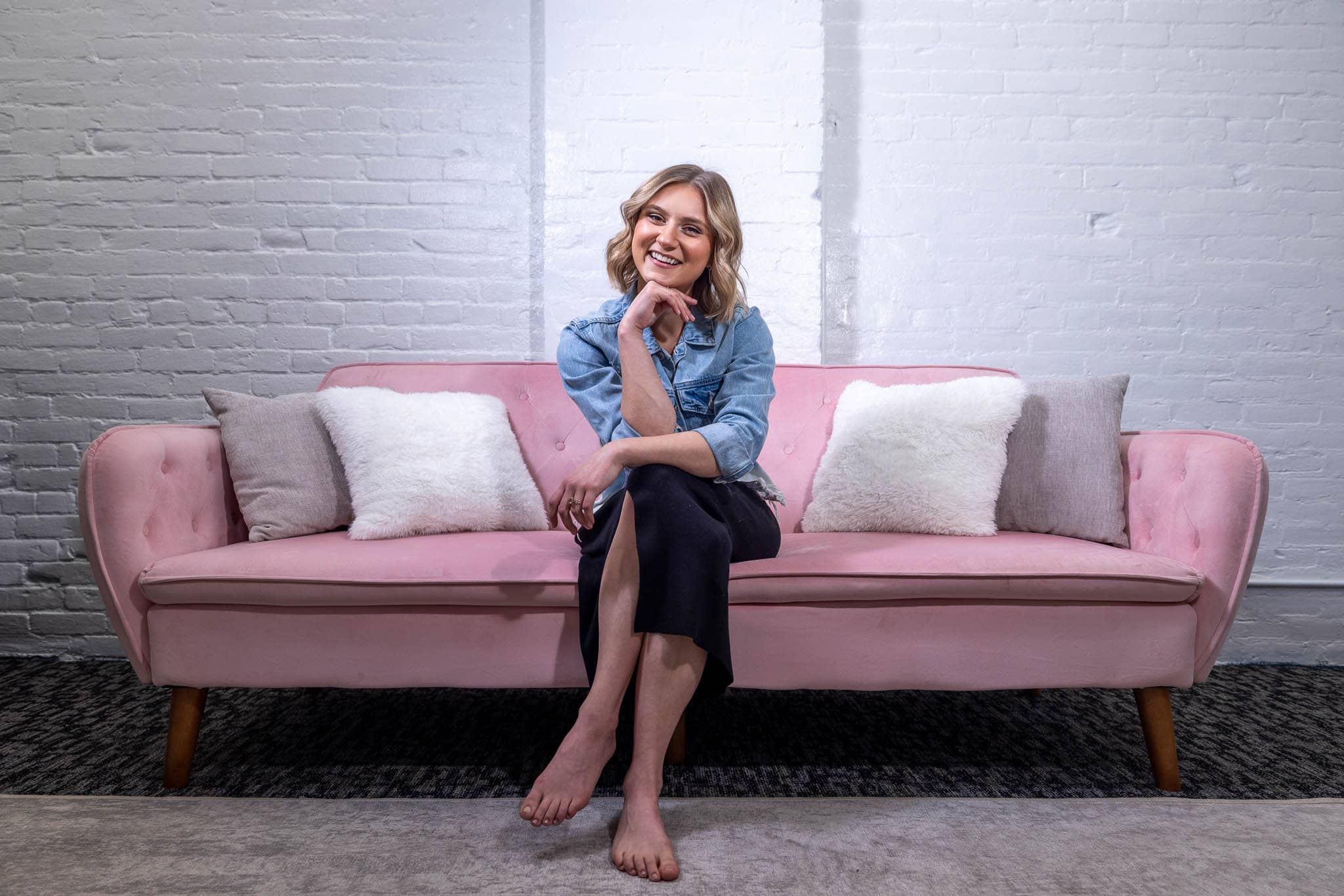
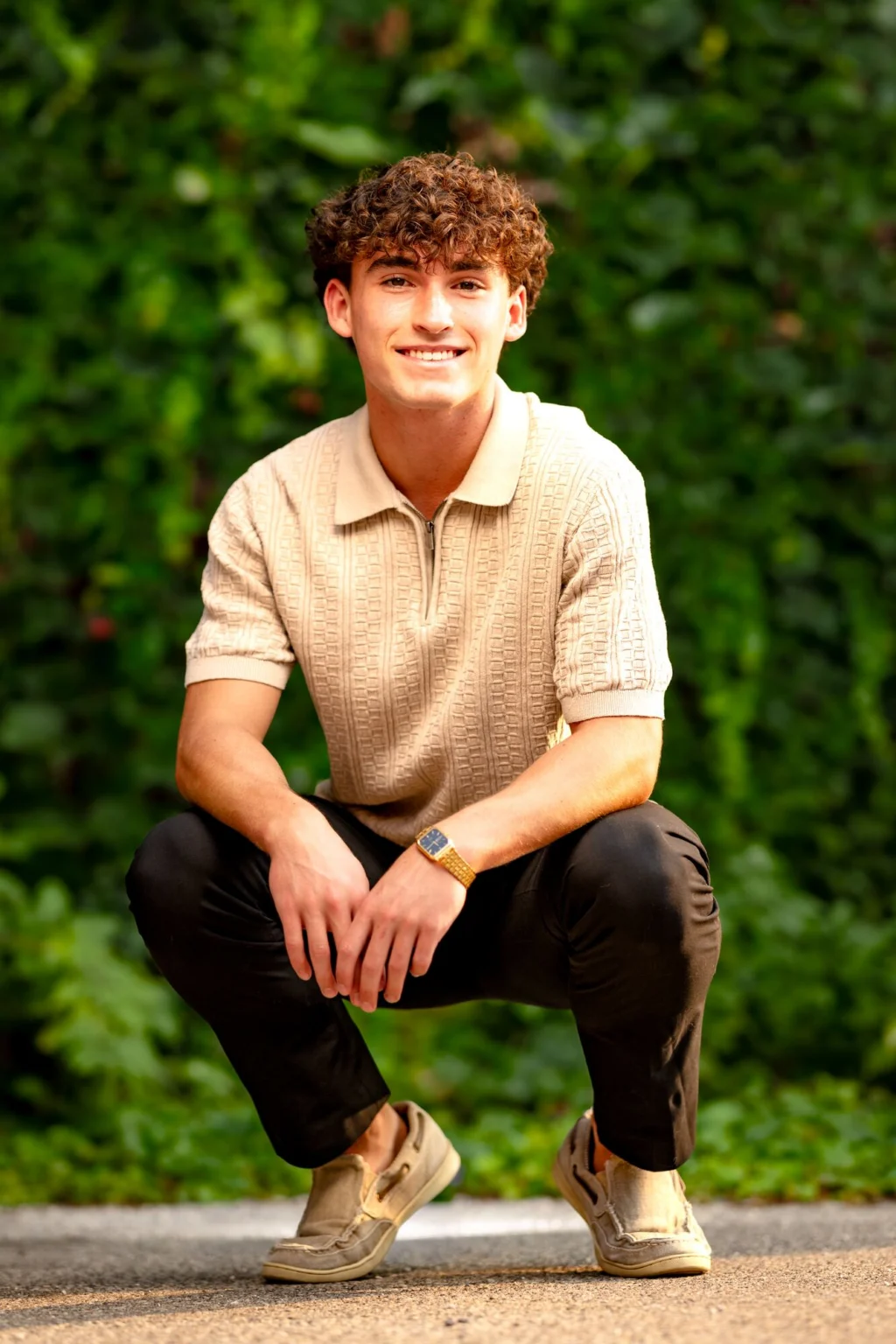
“We can’t stop looking at these pictures!” — Kristen P
Before the computer
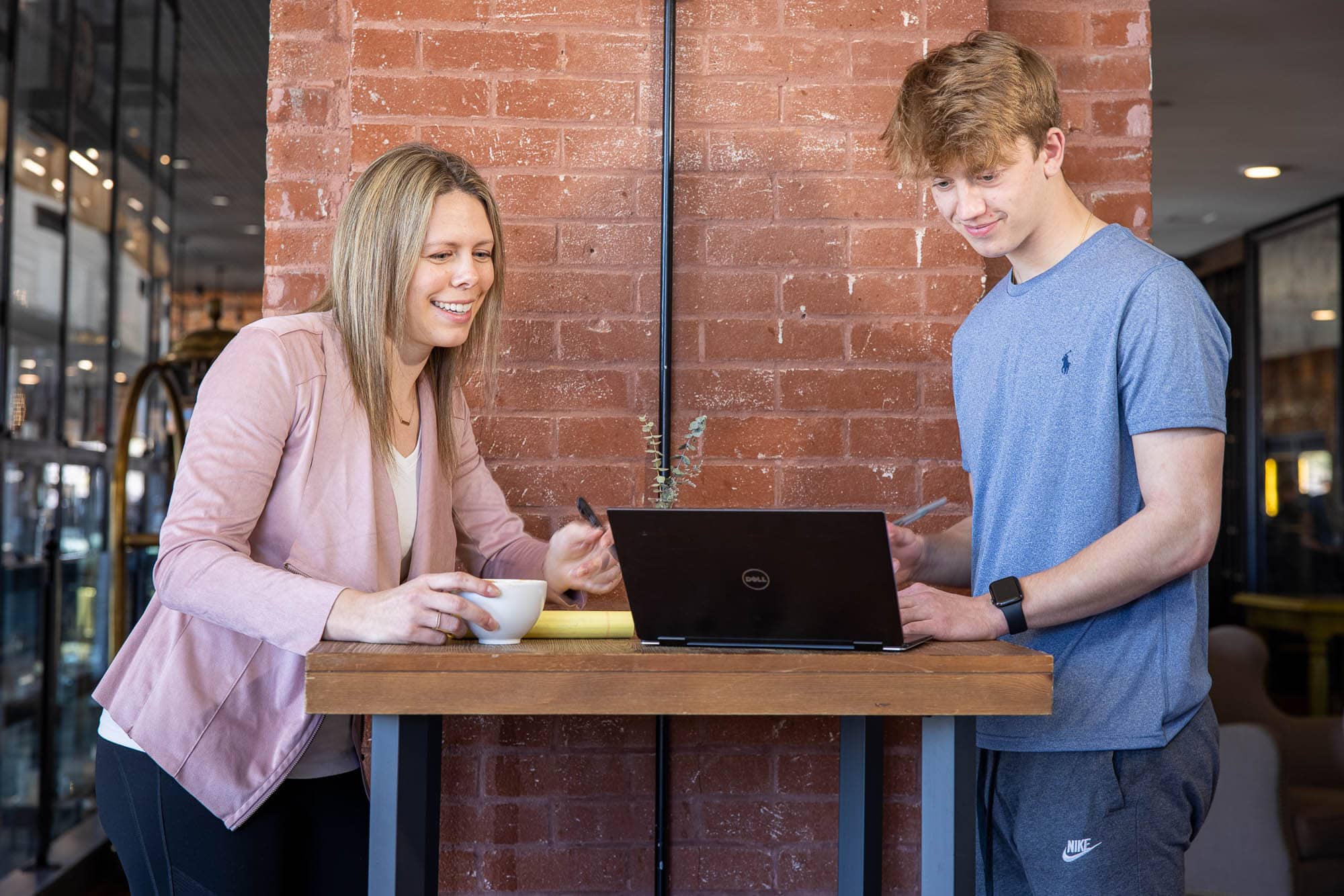
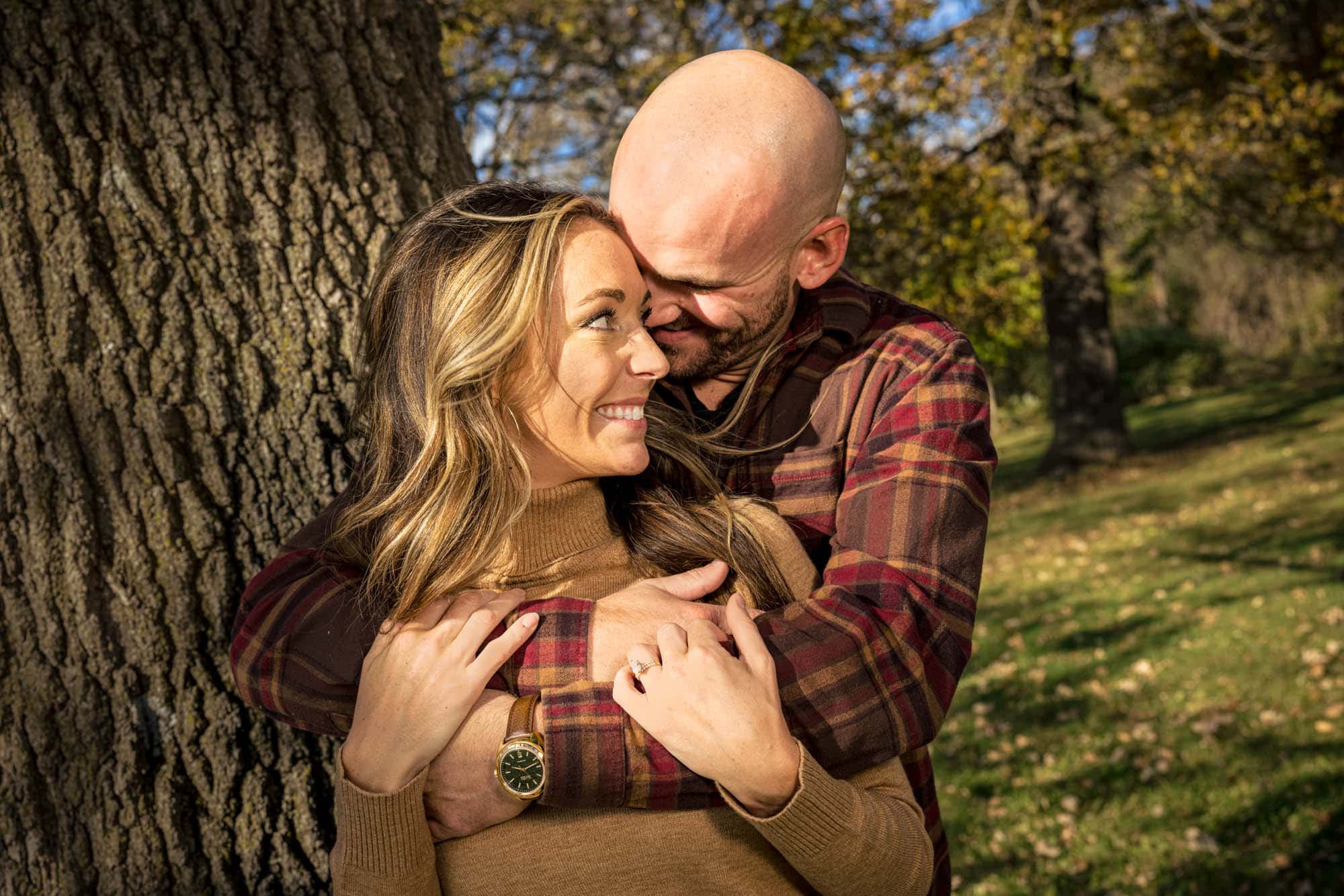
Before retouching moved to a computer, we had makeup: retouching for real life.
Photogenic techniques. Some makeup reads on camera and some doesn’t. A professional knows which.
Long-lasting under lights. A session runs long, under warm lights. Makeup has to hold up through it.
One less thing to think about. Handing it off removes a decision on the day.
Questions
Asked quietly, answered plainly.
Does retouching make photos look fake?
It shouldn’t. Retouching should never be obvious. If it looks overdone, it’s too much. Our approach keeps photos believable and natural.
Will retouching change how I look?
No. Your face stays yours. Retouching removes distractions caused by lighting and cameras — not defining features.
Is retouching normal in professional photography?
Yes, it’s just as normal as makeup for people on TV or in the movies. Retouching is standard in professional photography, just like styling and lighting. The difference is how subtle and intentional it is.
Do you retouch every image?
Every image you purchase includes thoughtful, natural retouching. Nothing is done automatically, and nothing happens without intention.
Can you remove acne or temporary blemishes?
Yes. Temporary blemishes are commonly reduced or removed as part of standard retouching.
Do you charge extra for retouching?
No. Retouching is included in every image you purchase. There are no surprise fees or per-image upgrades.
Can I request less retouching?
Yes. Retouching is always adjusted to your preference.
Will I see images before retouching?
Final images are delivered finished. If you have specific concerns, we discuss them ahead of time so expectations are clear.